

Stay updated with our letter
Valuable perspectives on the latest trends and tips.
.avif)


10 Essential Car Rental App Features That Will Attract Users



Key takeaway: A car rental app wins trust when it shows an accurate car, an understandable total price and a dependable pickup and return process. Build those basics before adding AI, rewards or elaborate maps.
Renting a car is a sequence of decisions with real consequences. A customer needs to know whether a vehicle is available, what the trip will cost, which documents are required, where to collect the keys and what happens if the plan changes. A slick search screen cannot compensate for a surprise fee or a failed handover.
The ten features below form a practical product brief. They apply differently to fleet rental, car sharing and peer-to-peer marketplaces. A car rental app example may show one possible implementation, but its business model and local requirements need to be checked before copying its features.
The ten features that make a rental usable
1. A short, clear start
Let visitors browse cars and estimate costs before asking them to create an account. When a booking requires an identity or licence check, explain why and when it happens. Save progress so a customer can return to an unfinished booking. Ask for permissions only when the feature needs them; location is useful for nearby cars, but manual location entry should still work.
Measure where people stop, including after document upload and payment. Simplifying an unnecessary screen usually matters more than adding another sign-in option.
2. Search that matches the trip
Search should start with location, dates and availability. Filters for vehicle type, passenger count, transmission, range, child seats and accessibility can help when the supply supports them. Show the pickup area and the terms that vary by car. Keep sorting transparent: “lowest total price” should include the fees shown before checkout.
AI suggestions can be tested later. Start with filters users understand, stable results and a clear explanation when nothing is available. If a suggestion depends on personal data, make that use clear.
3. Availability and a real total price
Connect every search result to a live reservation state. Hold inventory during checkout for a defined period, then release it if the booking fails. Show the rental rate, mandatory fees, deposit or pre-authorisation, mileage conditions, insurance options and any extra charges that depend on the trip. State the currency and billing schedule.
Test the difficult cases: two customers selecting the last car, a booking that crosses a price change, a payment that succeeds after a timeout, and an extension requested while another reservation is pending. A simple, accurate quote is more valuable than “dynamic pricing” copy that customers cannot reconcile with the receipt.
4. Pickup, navigation and return instructions
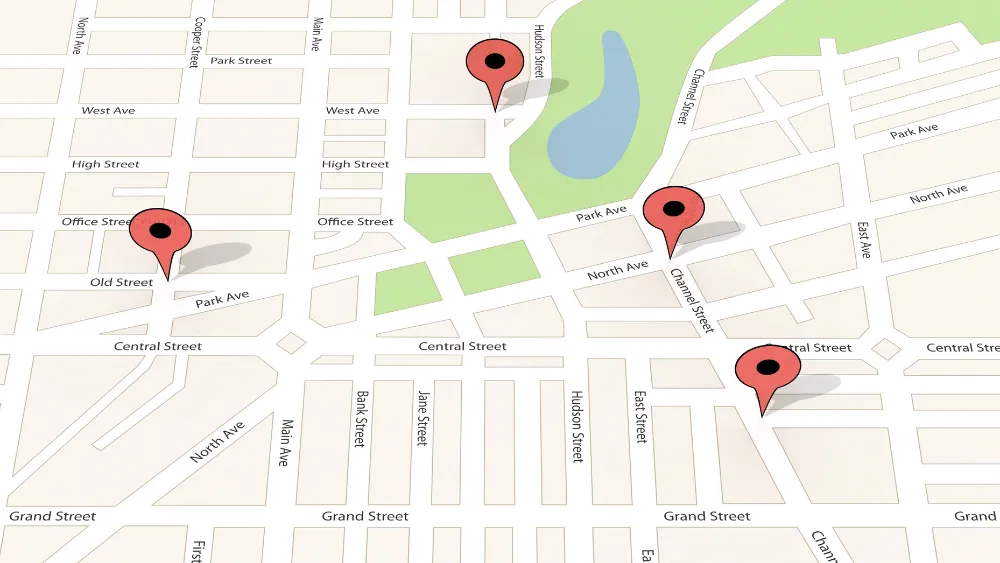
A useful booking screen tells the customer where to go, when access begins, how to identify the car and whom to contact when something is wrong. Navigation can open a mapping app; continuous vehicle tracking is a different product and privacy decision. If you do collect location, define its purpose, retention and user controls before building the feature. Apple’s privacy guidance is a useful design reference for permission requests.
5. A reliable handover and condition record
For keyless fleets, design for weak connectivity, a flat phone battery and a car that does not unlock. Give a fallback route that support staff can execute. For counter or host pickup, show the required documents and the meeting instructions. Make the start and end condition checks easy to complete with time-stamped photos and a clear damage-reporting path.
Not every fleet has compatible hardware. Do not promise contactless access until the access system, insurance process and operations team have been tested together.
6. Payment and billing customers can understand
Offer payment methods that suit the market and the rental model. Separate the amount charged now from a refundable deposit or temporary hold. Explain refund timing, cancellation windows and what happens after an extension or damage claim. Send a receipt with a line-by-line breakdown. A payment provider such as Stripe documents mobile payment components; validate availability, fees and compliance for your market.
7. Trust signals with useful substance
Ratings can help, but only when they reflect completed rentals and are moderated for abuse. Better trust signals include verified vehicle details, recent photos, the provider’s identity, clear insurance information and a visible support route. Show the difference between a host’s claim and a platform-verified fact. Make accessibility and fuel or charge policies explicit.
8. Support at the moment of failure
Surface support from the active booking, with the reservation details already attached. Distinguish ordinary questions from breakdown, accident or access emergencies. A chatbot can answer routine policy questions, but it must offer a route to a person for an urgent or disputed case. A conversational assistant is an example of an interface pattern, not a substitute for trained rental support.
If AI is used to answer customers or flag fraud, test failure modes and handoff before production. MLOps consulting is one possible specialist route, but a manual, accountable support workflow should exist regardless.
9. Timely, controllable alerts
Send booking confirmations, pickup instructions, return reminders and material changes through channels the customer can rely on. A push notification should link to the relevant booking and should never be the sole record of a charge or cancellation. Provide preferences for optional marketing messages separately from essential operational updates.
10. Honest electric vehicle information
If electric cars are offered, show estimated range with a clear caveat, connector type, charging and return rules, and where the vehicle should be left. Do not assume that nearby chargers are available or working. A sustainable choice is credible when the customer can complete the trip without guessing about charging obligations.
Build the booking journey before the feature list
Map the journey from search to return, then define the backstage operations required at each step. Design wireframes for unavailable vehicles, failed payment, late pickup, damage dispute and cancellation alongside the happy path. These exceptions reveal whether the product is operationally ready.
- Discovery: interview renters and operators, define geography, fleet model and the documents needed to rent.
- Prototype: test search, pricing and checkout with realistic vehicles and terms.
- Data and integrations: define inventory ownership, payment states, identity checks, access hardware and messaging.
- Quality assurance: test devices, assistive technology, weak networks, time zones and overlapping reservations.
- Launch: start with a contained fleet or area and monitor failed handovers, support volume and refunds.

The app is only one part of the service. Operations need tools to move cars in and out of service, resolve disputes, issue refunds and contact a customer when a reservation changes. Review the OWASP mobile security standard when specifying authentication, data handling and testing.
What existing rental products can teach you
Different services solve different journeys. Compare a station-based car share, a traditional fleet booking and a peer-to-peer marketplace using the same test: locate a car, see the full price, inspect terms, change plans and find help. Product availability and feature sets vary by city and over time, so a fixed ranking of fourteen apps quickly becomes misleading.
A vendor such as this car rental software provider may offer ready-made components. Evaluate the actual demo, code ownership, integration boundaries, support commitments and how your team handles the difficult booking states. A white-label interface is not a ready-made operating model.
A sensible first release
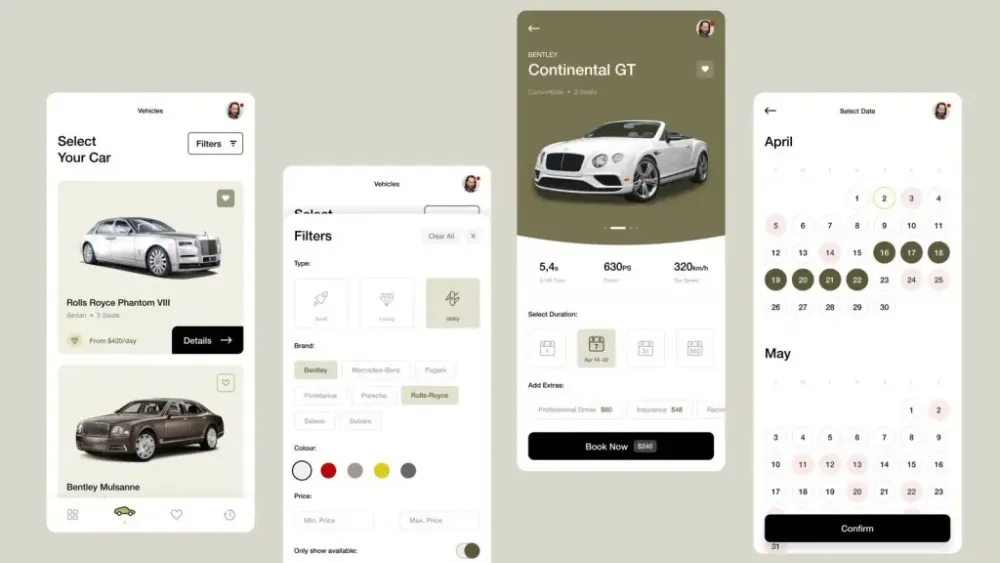
For most teams, a useful first release includes account and document flow, searchable live inventory, a transparent quote, reservation and payment, pickup instructions, support access, and condition records. Add sophisticated recommendations, loyalty mechanics or keyless hardware only when the core operation is stable and evidence shows they improve a real customer problem.
Treat the interface as a service blueprint. Our UI and UX pattern guide can help distinguish a familiar screen pattern from the underlying journey. Then measure completed bookings, failed handovers, unexpected charges, support resolution and repeat rentals. Those signals tell you more than download counts alone.



.webp)
Where ideas come to life
We explore various aspects of modern life, offering valuable perspectives on the latest trends, and helpful tips.

