

Stay updated with our letter
Valuable perspectives on the latest trends and tips.
.avif)


10 Webflow Templates for Businesses & Creative Agencies


A Webflow template can give a project a useful starting structure. The harder decision is whether that structure fits the business you actually have: its services, content, customer journey and the people who will update the site after launch.
The ten examples below cover different kinds of work, from an online-store demo to a restaurant, a portfolio and a property business. Treat them as candidates to investigate, rather than ten interchangeable shortcuts. A polished demonstration can conceal the amount of writing, photography, configuration and testing your own website still needs.
If you are choosing a platform as well as a design, our Webflow comparison is a useful first step. Once the platform makes sense, evaluate the template with your own content. The question is not simply whether you like the homepage. It is whether the important journeys remain clear after the demonstration material has gone.
Before the shortlist: separate the design from the system
A page labelled “Book now” does not establish that a complete booking service is included. A sign-in button does not prove that customer accounts are configured. Product screenshots, sample reviews and attractive statistics may be demonstration content. Open the relevant pages, inspect the listing and confirm what is included before building a project estimate around them.
For an agency brief, list the pages you need, the information repeated across them and any connections to external systems. Then compare those requirements with the template. This gives you a more realistic basis for discussing cost than the number of homepage variations on offer.
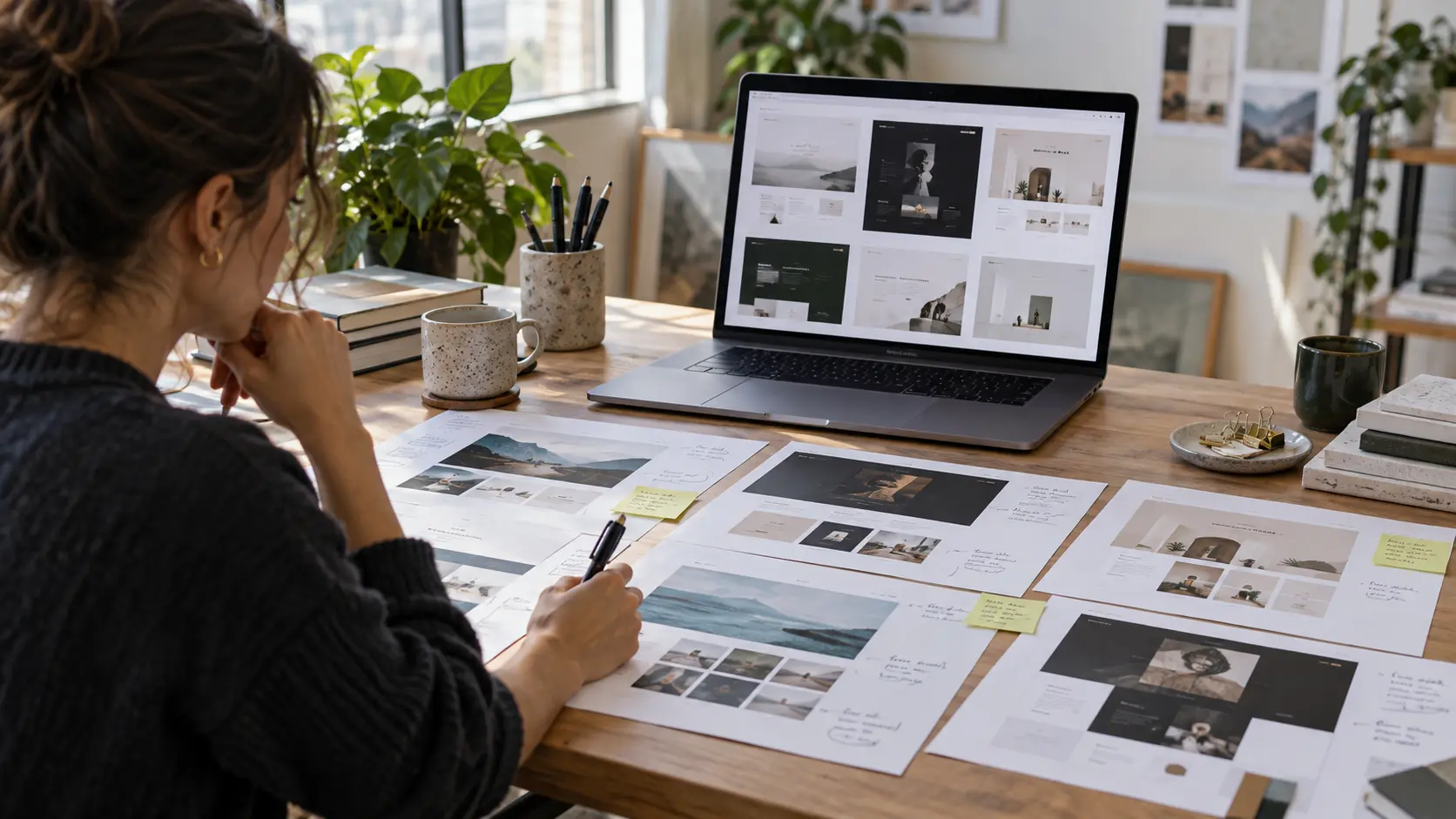
1. Saaslify X: check the current demo before using it as a model
Saaslify X is presented as a SaaS template, yet the linked home preview currently opens with an online-store message and sample commerce content. That mismatch is useful to notice. A template name and its metadata may suggest one kind of business while the particular demo page tells another story. Review the pages you intend to adapt, rather than selecting it on the category label alone.
For a software business, replace the store language and placeholder claims with your actual product, audience and trial or sales route. Check whether features, pricing and integrations can be explained without forcing them into a shopping journey. For a commerce business, follow a real product through variants, basket and checkout. In either case, a demonstration interface does not supply the underlying product or integration. Confirm the current listing, included pages and required configuration before estimating the work.
2. Anow128: put creative work in context
Anow128 is a portfolio reference for a creative business. Start your assessment with the project pages rather than the opening animation. A visitor should be able to understand the brief, your contribution and the work produced without guessing from a collection of attractive images.
Test it with a project that has a longer title and less dramatic photography. If the design only works with short labels and exceptional mockups, adapting everyday work may take more effort than expected. For a studio, a useful portfolio also connects the work to the services a prospective client can buy.
3. Bobs: keep restaurant decisions close at hand
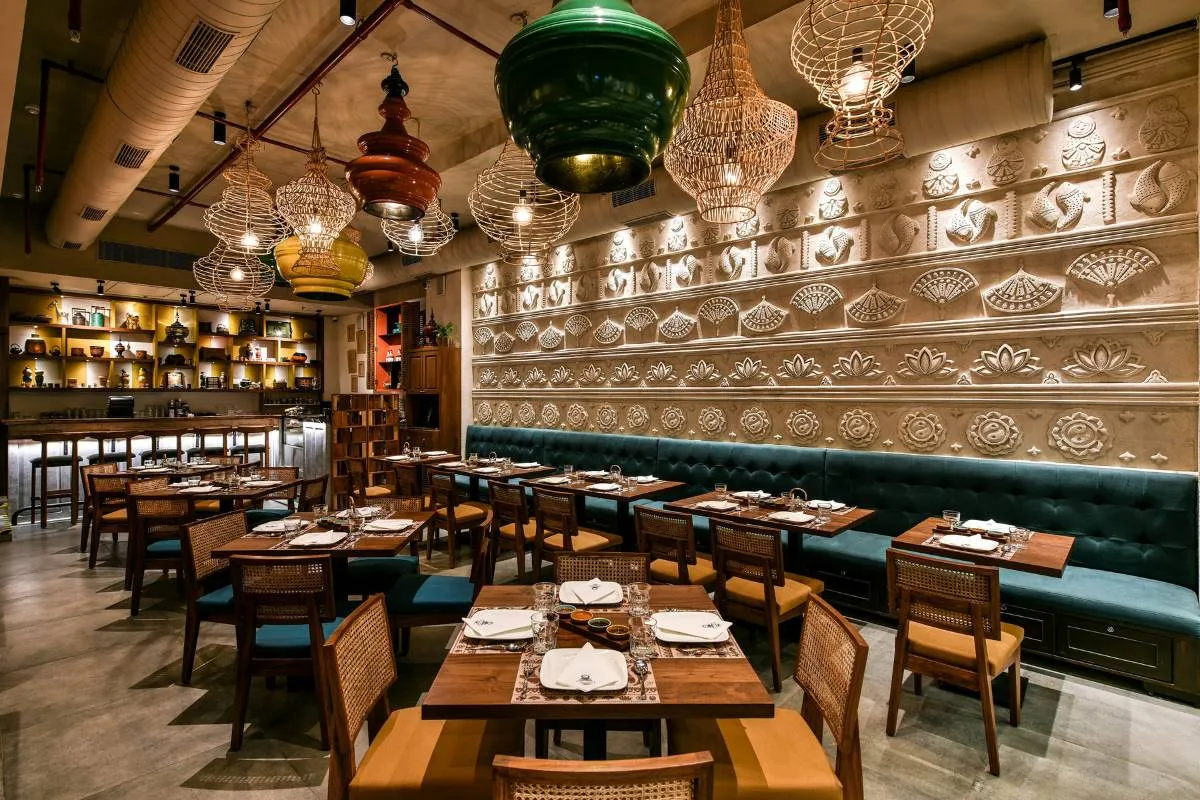
Bobs uses a restaurant and burger-business demonstration. For a food business, the first review should focus on practical visitor needs: the menu, location, opening times and the correct route for ordering or booking. Brand personality is welcome, but it should help someone make those decisions.
Use real menu names and descriptions when testing the layout. Check how dietary information, prices and changes will be maintained. If an external provider handles transactions, review the handover to that provider as part of the journey. A convincing restaurant homepage does not remove the need to configure and test the operational service behind it.
4. Clutch: assess the complete shopping journey
Clutch shows a fashion retail direction with products, collections and shopping content. Its relevance depends on the kind of catalogue you need and how customers choose between items. Think about product variants, photography and descriptions before deciding whether the presentation fits.
For an eCommerce project, follow a product from discovery to the checkout and confirm the requirements beyond appearance: payments, delivery, taxes, returns and stock handling. The demo is a starting point for that investigation, not a promise that every requirement is covered. Test a sold-out item and a product with a long name as well as the ideal example.
5. Fundamenta: give architecture projects room to breathe
Fundamenta takes an architecture-led approach. Its project presentation is the part to examine closely if your work depends on photography, spatial detail and a clear account of the commission. Good images need enough context to explain why the project matters.
Prepare one complete case study before choosing the template. Include your role, the project type and any facts you have permission to publish. Then test a portrait photograph alongside landscape images and a longer caption. A layout that accommodates those variations will be easier to maintain than one that depends on every project looking identical.
6. Legend: build a coherent agency site
Legend presents an agency-style structure with services, work and reusable sections. A collection of available components can be helpful, provided the final site has a deliberate hierarchy. You do not need to use every section simply because it comes with the template.
Start by deciding what a prospective client needs to understand in sequence: what you do, who it is for, what evidence supports it and how to enquire. Select the sections that support that sequence. Review the content model and interactions before customising heavily, so that the person maintaining the site inherits an understandable system rather than a patchwork of one-off changes.
7. Persona: make an individual’s contribution clear
Persona uses a personal portfolio approach, with work, a story and experience in the demonstration. That can suit someone whose expertise is central to the buying decision. The writing needs to make the relationship between the person and the work explicit.
Replace decorative skill percentages with evidence a reader can interpret. A project description, a clearly stated role or a relevant qualification says more than an unexplained score. If you adapt a personal template for a team, reconsider the language and information structure throughout; changing the portrait and logo alone will leave the site telling the wrong story.
8. July: distinguish a practice website from clinical software
July demonstrates a healthcare-facing website with service information and appointment prompts. Evaluate it as the public presentation of a practice. A medical theme does not establish that the template is a clinical records system or that a booking workflow meets a particular organisation’s requirements.
The original resource on private practice EMR concerns a separate software decision. Keep that distinction clear when scoping the project: the public website, appointment service and clinical systems have different roles. Confirm what information each system handles and who is responsible for its configuration. Replace every sample credential, patient figure and testimonial with appropriate, verified content before launch.
9. Apartb: support a property enquiry
Apartb is a property-oriented reference. The important question is how accurately it can present the information a prospective buyer or tenant needs, and how that information will stay current. A strong visual presentation is only useful when the details behind it remain reliable.
Test realistic addresses, property descriptions, image sets and availability states. Establish whether listings will be maintained manually or through a separate system, and investigate that connection before committing. Make the next step clear: an enquiry should identify the relevant property and reach the right team without depending on the visitor copying details into a generic message.
10. Moovit: make logistics services understandable
Moovit is listed by Webflow as a transport and logistics template. Its service-led direction is relevant to businesses that need to explain what they move, where they operate and how a customer requests a quote. The original demo link is retained here; check its current availability through the marketplace before deciding.
Use specific service information rather than broad claims about handling everything. If your business needs tracking, account access or a quote calculator, confirm the actual integration and implementation requirements separately. A page that describes a logistics service is not the same as a working logistics application.
Budget for the finished website
The template purchase is one part of the project. Content, image rights, platform plans, configuration, custom work and ongoing maintenance can all affect the total. Check current terms and prices with the relevant providers instead of relying on an old price quoted in an article.
The same principle applies when comparing WordPress websites with a Webflow build. Compare the work needed to deliver and maintain your particular website, including the team’s skills and the systems it must connect to. A lower initial purchase price does not answer those questions.
Webflow university is a starting point for learning the platform, but allow time to practise with the layout, content and interactions your project uses. If you decide to Hire a Webflow expert, assess relevant work and ask how the scope, testing and handover will be handled. Neither a template nor a qualification removes the need for a clear brief.
A short review before committing
- Content: try a real service page, a long heading and your least convenient image.
- Journeys: follow the enquiry, booking or purchase route through to its actual destination.
- Behaviour: check mobile layouts, keyboard operation, form errors and reduced-motion preferences.
- Ownership: confirm licences, accounts, editing responsibilities and the work needed after launch.
For a Fit Design Webflow project, the template should support the brief rather than dictate it. Bring a shortlist and the content you expect to publish. From there, the useful conversation is about what fits, what needs adapting and whether a more tailored structure would serve the business better.
Test candidates with your own content and required user journeys. Review the page structure, content model, accessibility, mobile behaviour, licensing and integrations before committing.
Do not assume that it does. Demonstration buttons, screenshots and sample content may illustrate a service rather than supply a working system. Confirm the included functionality and any external setup with the current listing or creator.
A template can be a starting point for changes to content, layout and visual style, subject to its terms. Agree how much adaptation is needed and whether that effort still makes it a sensible starting point.
No. Allow for applicable platform plans, content, photography or licences, configuration, custom work, testing and ongoing support. Confirm current charges directly rather than relying on historical prices.
It still needs testing with the final content and interactions. Check keyboard operation, focus, contrast, form feedback, mobile layouts and other relevant accessibility requirements after customisation.

.webp)
Where ideas come to life
We explore various aspects of modern life, offering valuable perspectives on the latest trends, and helpful tips.

